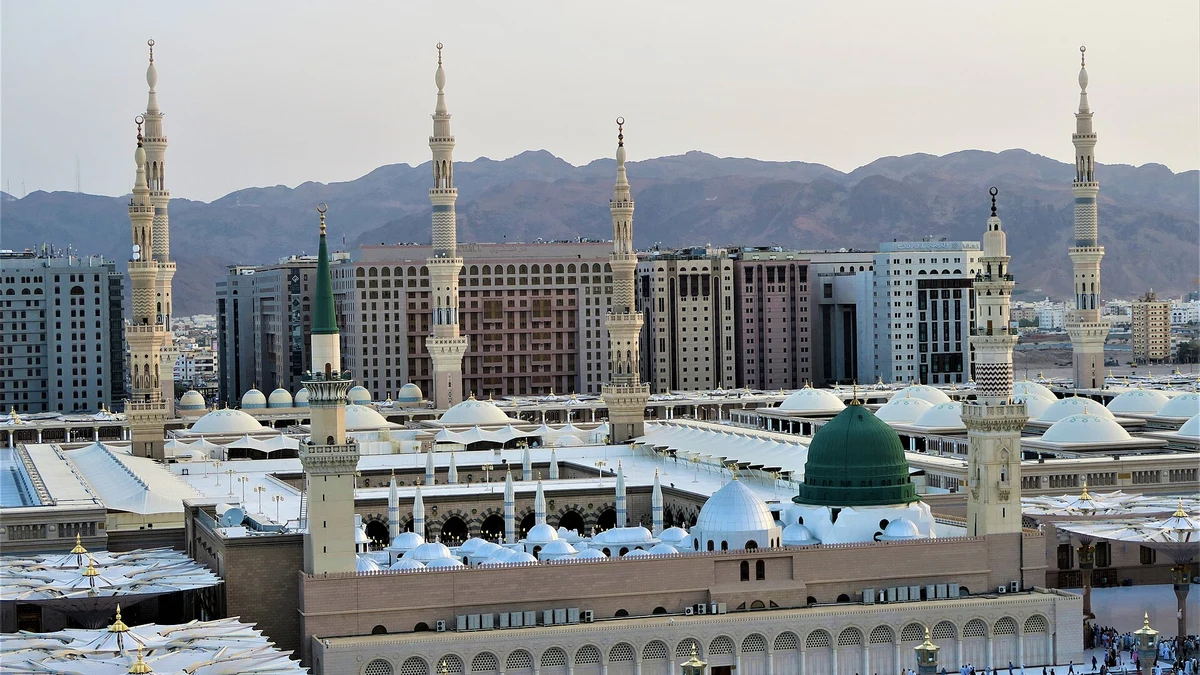
The Nusuk app is the official Saudi platform through which pilgrims book Umrah permits, Rawdah visits and other services at the two holy mosques. If you are travelling from the UK for Umrah, you will almost certainly need it, and setting it up correctly before you fly removes most of the problems pilgrims encounter on arrival.
This guide explains what the Nusuk application is, what it does and does not cover, how to register from the UK, how to book Umrah and Rawdah permits, what the name Ateeq refers to, whether you need a Saudi SIM, and the mistakes that cost pilgrims their slots.
Services and interfaces are updated regularly, so treat every detail here as a starting point and confirm the current position on the official Nusuk platform for your own travel dates.
The Nusuk app at a glance
Here is the orientation most UK pilgrims are looking for, with the detail following below.
| Question | Practical answer |
|---|---|
| What this guide covers | The official Nusuk app's visitor permit workflow |
| Permit versus package | A permit is not a flight, hotel or entry permission |
| Cost | Distinguish free mosque permits from paid travel/package services |
| Setup | Follow the current visitor-category prompts and identity requirements |
| Verification time | No single time is promised for every service or account |
| Companions | Rawdah service supports companion management; check eligibility |
| Entry code | Check the valid code and attendance instructions in the app |
| Connectivity | Keep appointment details offline, but plan access to current codes |
Separate a permit from a package. Umrah and Rawdah permit booking is not the same product as a paid travel package. Nusuk’s wider services include different pilgrimage journeys and bookings, so a statement that every Nusuk service is free would be misleading. Reach the service through the official website and check exactly what any charge covers.
Which Nusuk Service Do You Need?
| Your task | Official starting point | Do not confuse it with |
|---|---|---|
| Book a Rawdah visit or use visitor permit services | The app links and guidance on Nusuk | A paid hotel package or permission to enter Saudi Arabia |
| Compare an Umrah travel package | Nusuk Umrah | A guarantee that a chosen Rawdah appointment is available |
| Register for a Hajj package where your country is serviced | Nusuk Hajj | The visitor app’s mosque-permit account process |
| Check Saudi entry permission | The official application links in GOV.UK entry guidance, for the passport category it covers | A permit QR code, which is not a visa |
A Hajj registration video or PDF may correctly show document uploads for that service while being the wrong instructions for a visiting pilgrim booking the Rawdah. Check the service name and current screen before following a tutorial; this guide does not claim a personally tested account or guarantee identical screens for every visitor.
What is the Nusuk app?
Nusuk is the Saudi government’s official platform for pilgrims and visitors. It brings permits, bookings and guidance for Makkah and Madinah into a single application, replacing a scattered set of older systems.
Why it exists
The two mosques host enormous numbers of people in confined spaces. Permits allow the authorities to distribute access across the day rather than leaving it to whoever arrives first or pushes hardest, which is both safer and fairer.
Who needs it
Umrah pilgrims, Rawdah visitors and general visitors to the mosques all use it. If you are booking through a UK operator, they may handle some bookings for you, but having the app on your own phone is still strongly advisable.
Install it even if your operator books for you. Slots change, plans shift and you may want a second Umrah later in the trip. Having a verified account on your own phone means you are never dependent on someone else’s availability.
What Nusuk does and does not cover
The Nusuk app guide below focuses on mosque permits, not every service carrying the Nusuk name. The official website also describes Hajj journeys and other services. Distinguish your permit from entry permission, a paid package and a separate transport booking.
| A permit booking provides | Do not assume it includes |
|---|---|
| An appointment for a named traveller | Entry permission to Saudi Arabia |
| The current code and instructions for that booking | A flight or hotel reservation |
| Eligible companion management where supported | Automatic access for every family member |
| A service-specific record | Travel insurance or a rail ticket |
| Official visitor guidance | Every other Nusuk product or paid package |
What it handles
Umrah permit slots at Masjid al-Haram, Rawdah visit permits in Madinah, prayer and visit bookings at the two mosques, your digital QR permits, and official guidance for pilgrims.
What it does not handle
A mosque permit alone is not a visa, flight ticket, hotel confirmation or insurance policy. Some official Nusuk services concern packages, while the railway and UK passport services have their own systems. Read the details of the particular service instead of assuming the permit screen organises everything.
Entry permission is not a permit. These are two different things booked in two different places. Our guide to the Umrah visa from the UK covers entry; Nusuk covers what you do once you are there.
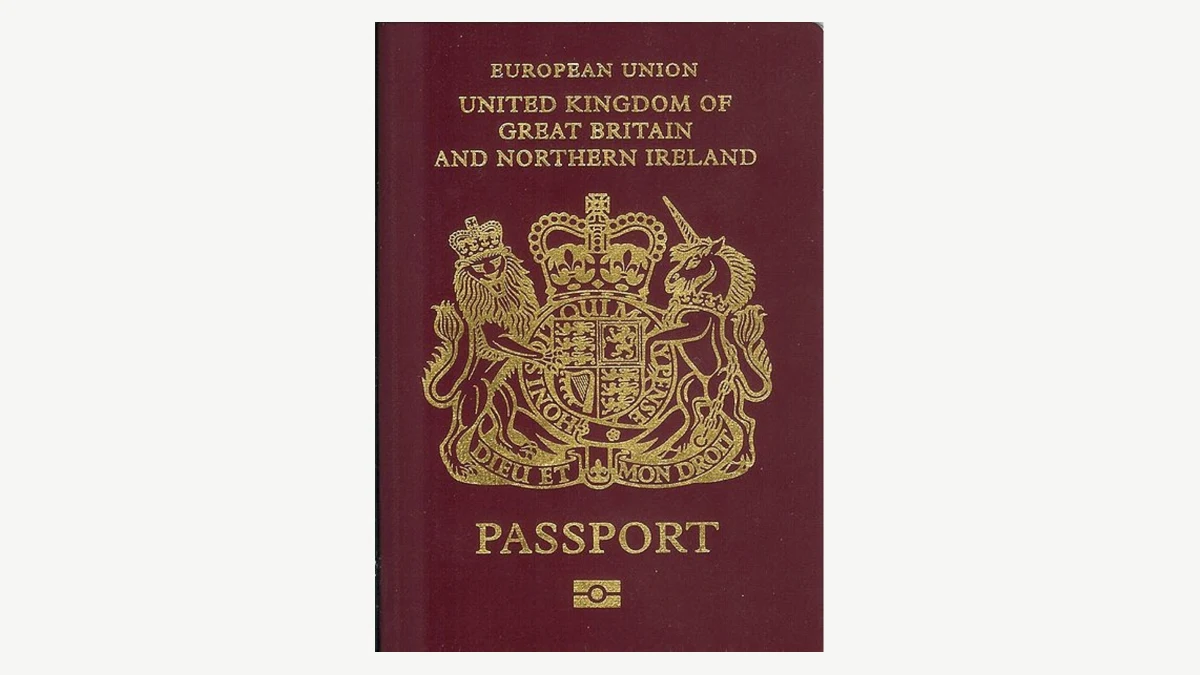
How to set up Nusuk from the UK
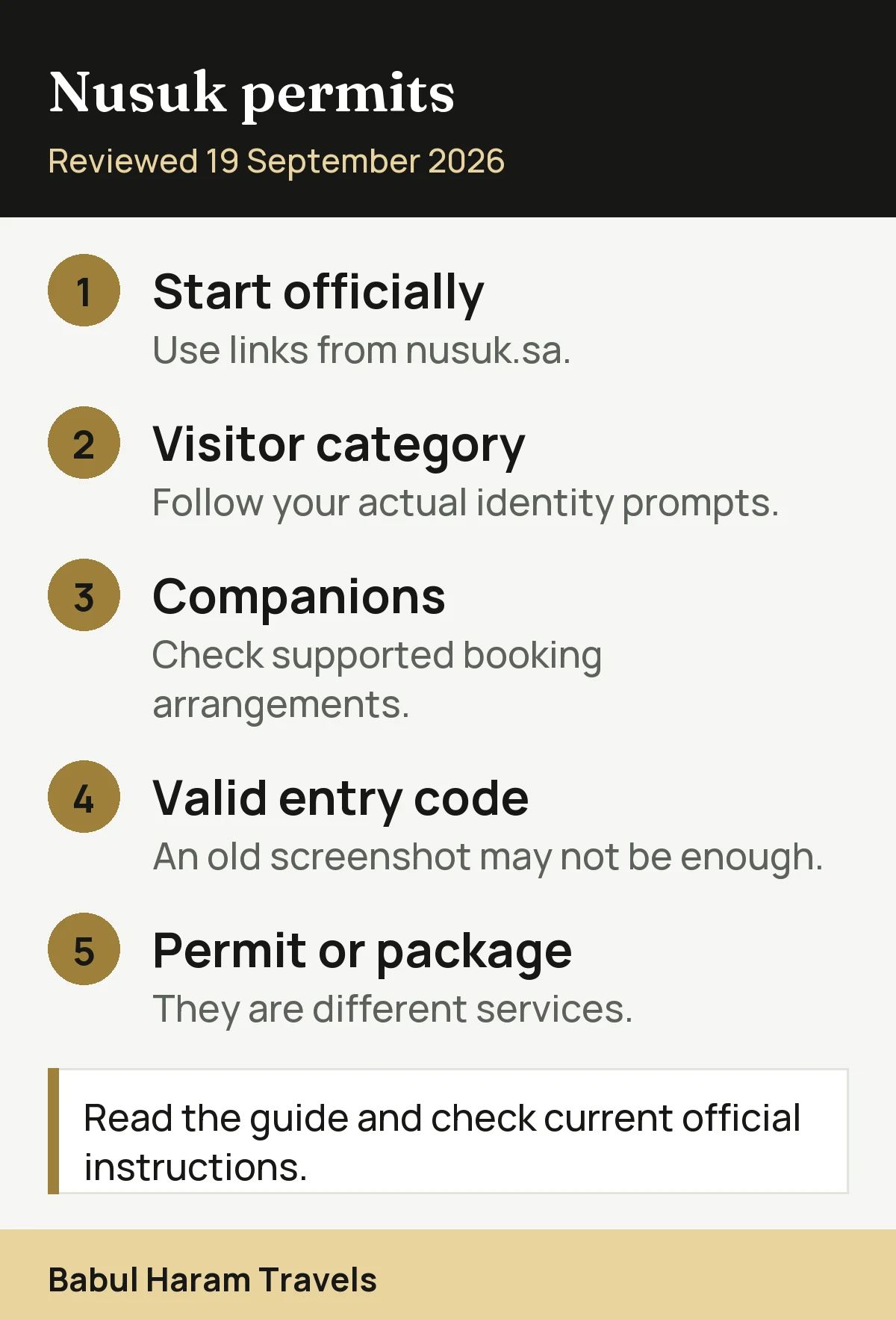
Install the official app and check your account before departure where your visitor category allows it. The required identity fields and available services depend on your circumstances and the current app version. Do not assume every visitor must upload a photograph or wait several days for approval.
| Step | Action | Check |
|---|---|---|
| 1 | Use official app-store links | Start from nusuk.sa |
| 2 | Select your visitor category | Use your real identity and entry documents |
| 3 | Follow the requested fields | Do not assume a photograph is always required |
| 4 | Resolve any error | Read the message and contact official support |
| 5 | Book the right service | Check traveller, date and eligibility |
| 6 | Prepare for entry | Check the live code and appointment instructions |
Download the official app
Install Nusuk from the official app store listing and check the publisher name. Several unofficial applications use similar names and iconography, and some charge for services that are free.
Register with exact passport details
Your name must match your passport precisely, including middle names and hyphens. A mismatch between your account, your entry permission and your passport causes rejections that are tedious to unpick later.
Complete the fields requested for your visitor category
Follow the prompts on the official app, using the passport and entry-permission details applicable to your category. Supply a photograph only if your actual process requests one. Keep identity documents private and do not send them to an unofficial website promising faster verification.
Allow time for verification
Allow time to correct mismatched details, receive a verification message or contact support. This guide does not promise a fixed approval time: it varies by service and account circumstances. Try the required steps before departure rather than relying on completing them in a queue.
Check every traveller’s eligibility. The official Rawdah service describes adding and managing companions. Check which travellers can be added to your booking, what identification they need and any age restrictions shown by the app. Do not assume one adult’s permit automatically covers the whole family.
Booking an Umrah permit
Once verified, booking is straightforward, though availability requires patience.
Selecting a slot
Choose Makkah, then the Umrah service, then a date and time from the available slots. Slots are released on a rolling basis rather than all at once, so an empty screen today does not mean an empty screen tomorrow.
Save the QR code offline
Save the appointment details as a backup and check how the current entry code is issued. A screenshot may help you remember the time, but it is not a substitute for a live or time-limited code when the service requires one. Open the app and check the current instructions before leaving for your appointment.
Timing your slot sensibly
Consider the practicalities. A slot immediately after a long flight, or clashing with your transfer between cities, is a slot you may struggle to use well. Tawaf and Sa’i together take a few hours.
Check availability repeatedly. Cancellations return slots to the system throughout the day. Pilgrims who check once and conclude nothing is available are usually looking at a temporary picture.
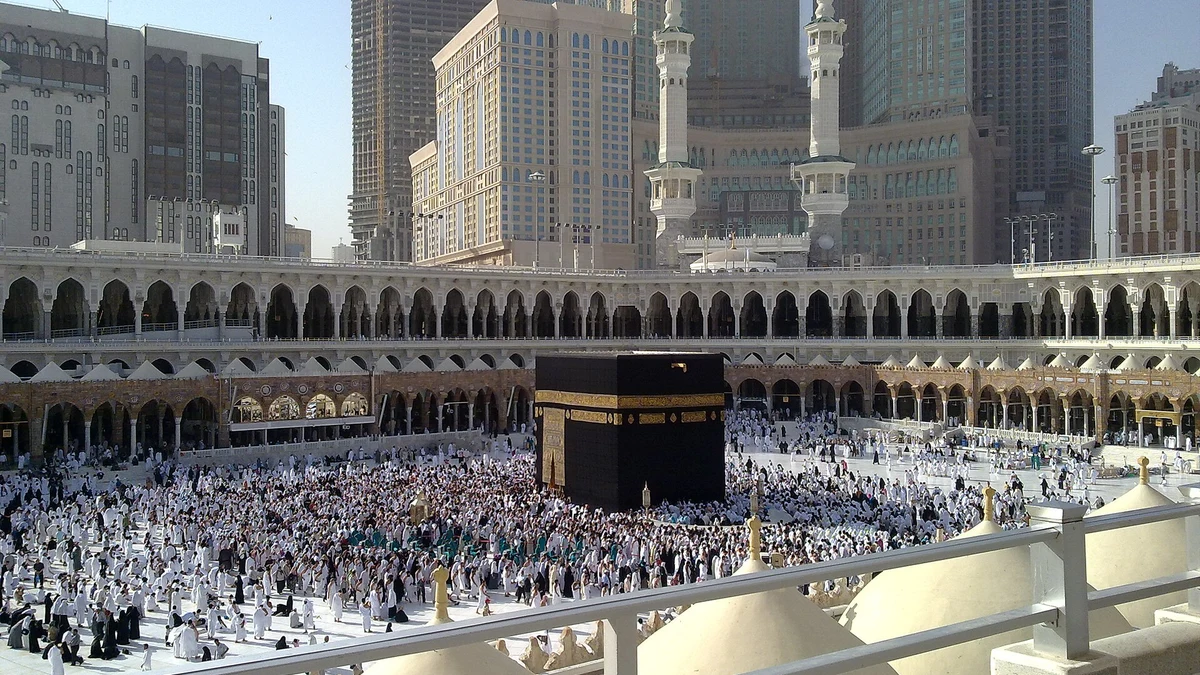
Booking a Rawdah permit
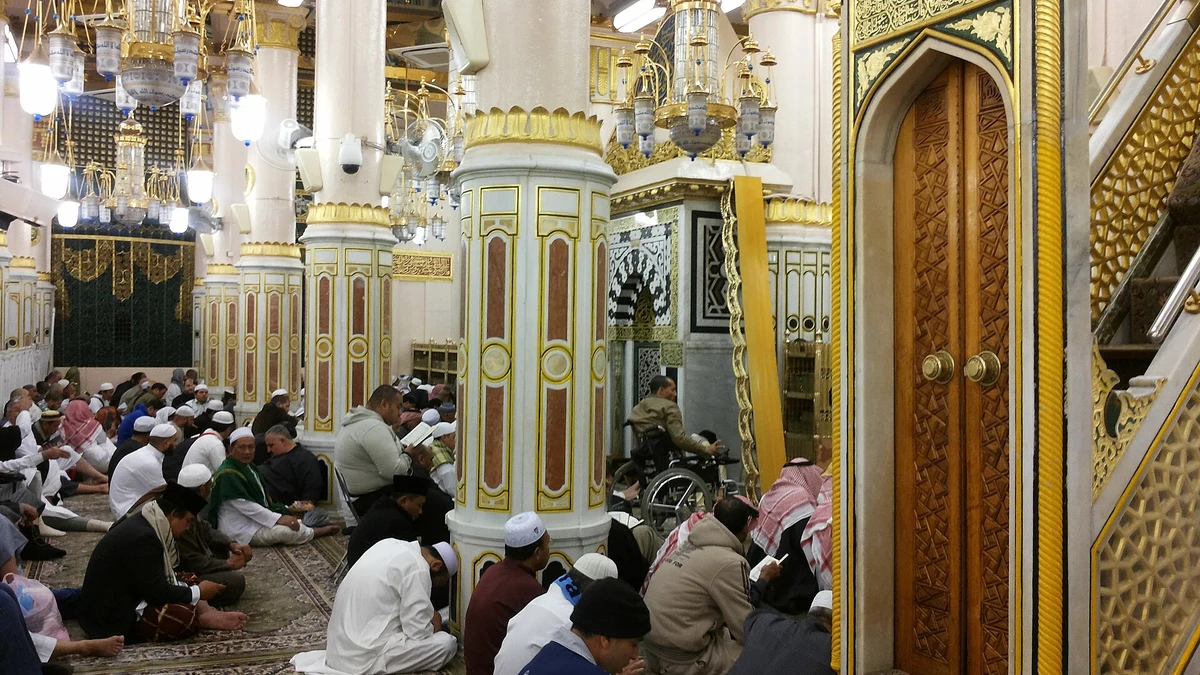
The Rawdah visit in Madinah is booked separately, with its own slots, gates and timings.
| Feature | Umrah permit | Rawdah permit |
|---|---|---|
| Booked through Nusuk | Yes | Yes |
| Cost | Free | Free |
| City | Makkah | Madinah |
| Slot release | Rolling | Rolling |
| Separate gates | Not usually | Yes, assigned to the slot |
| Separate men and women timings | No | Yes |
| QR shown on arrival | Yes | Yes |
Men and women visit at different times through different gates, and women’s windows are typically narrower. Our full guide to the Rawdah in Madinah covers timings, gates and etiquette in detail.
Book the Rawdah as early as you can. It is the most competitive booking in the app, particularly for women and particularly in Ramadan. Start looking the moment your Madinah dates are fixed.
What is Ateeq, and how does it relate to Nusuk?
Pilgrims searching for Nusuk frequently encounter the name Ateeq, and the relationship is a common source of confusion.
We could not establish an official current relationship between the name Ateeq and the visitor permit service from the sources checked for this guide. Do not use an unfamiliar name as proof that a website is authorised. Start at Nusuk’s official website and follow its own links.
If you are booking yourself, use Nusuk. Terminology around the provider-facing systems changes, and names that circulate in forums are often out of date. Start from the official platform rather than from a search result.
Do you need a Saudi SIM for Nusuk?
This question comes up constantly, and the short answer is no, but a working data connection makes everything easier.
What you actually need
You need internet access to register, book and refresh permits. That can come from UK roaming, hotel wifi, a local eSIM or a Saudi SIM. The app does not require a Saudi mobile number in order to function for a visiting pilgrim.
Why a local connection helps
Booking often means checking repeatedly for released slots, and doing that on hotel wifi only is restrictive. An eSIM bought before departure is usually the simplest option for UK travellers.
Always keep an offline copy
Save your appointment details offline, and plan enough connectivity to display any current code required by the app. A screenshot cannot guarantee entry if the official code expires or must refresh. Coverage varies by location, crowding and provider.
Check roaming before you fly. Some UK plans include Saudi Arabia and some charge heavily for it. Confirm with your provider, and consider an eSIM if the cost is high.
Common problems and how to fix them
Nearly every issue reported by UK pilgrims falls into one of these categories.

Verification is stuck
Read the actual error message and check the visitor category, passport number, name and entry-permission record. Do not keep uploading photos or creating duplicate accounts unless the official support instructions tell you to. Use Nusuk support for an unresolved account issue.
No Verification Code on a UK Number
- Check the delivery channel: read whether the current screen says SMS or email, then check that inbox and its spam folder where applicable.
- Check the number format: where the app separately supplies +44, do not repeat the country code; an international UK mobile number normally omits its leading domestic zero.
- Check reception: a data-only travel eSIM may not receive SMS sent to your UK number. Keep access to the registered number or email and ask your provider about receiving messages abroad.
- Use the displayed retry timer: repeated requests can leave you entering an older code. Never give a code to someone offering to obtain a permit for you.
- Escalate the actual error: note the service, app version, device, time and message for official support. Mask passport numbers and codes in screenshots; these checks cannot resolve an eligibility restriction.
No slots are showing
First distinguish “no availability” from an account, identity or eligibility error. Check the permitted dates and people selected, then look again later if the calendar is simply full. No refresh routine or unofficial release-time claim guarantees a slot.
The app will not load
Check for an update in your app store, confirm your data connection, and restart the device. Peak periods place heavy load on the service and brief outages do occur.
The permit will not display
Check that the booking remains confirmed and that you are displaying the code currently required for entry. Appointment screenshots are backups, not proof that an expired code will work. Contact official support before your slot if the app cannot display the required permit.
| Problem | Usual cause | Fix |
|---|---|---|
| Verification stuck | Visitor-category, identity or service-specific issue | Read the actual error, check your details and use official support |
| No slots showing | Rolling release rather than none available | Check at different times across several days |
| App will not load | Outdated version or peak-time load | Update the app, check data, restart the device |
| Permit will not display | No signal inside the mosque | Display the valid code required for that booking |
| Family member missing | Only one account was registered | Check supported companion and age arrangements |
| Asked to pay for a permit | Unofficial third-party website | Leave the site; do not buy a claimed guaranteed free permit from an unknown seller |
The four-point preparation.
- Verified account before you fly
- Appointment details saved; current entry code checked
- A data plan that works in Saudi Arabia
- Each traveller and eligible companion correctly included
These checks reduce avoidable problems; they cannot guarantee availability or prevent a service outage.
Spotting fake Nusuk websites and apps
Because permits are free and in demand, a market has grown around selling them. It is worth knowing how to recognise it.
Check what a payment actually buys
Do not pay an unknown person for a supposedly guaranteed free permit or queue jump. A legitimate paid package is different from a permit, so inspect the supplier, service and terms rather than using price alone to judge authenticity. Use the official website’s links and never share a one-time verification code.
Check the publisher, not the search ranking
Unofficial apps use similar names and icons and can rank well in search or in app stores. Check the developer name on the listing, and reach the platform through the official Nusuk address rather than a sponsored result.
Never hand your passport to an unknown site
Registration legitimately requires passport details, which is exactly why unofficial sites ask for them too. Give those details only to the official platform or to a UK operator you have verified independently.
Where to verify
Official pilgrim guidance is published by the Saudi Ministry of Hajj and Umrah, and UK travellers should also read the current GOV.UK travel advice for Saudi Arabia before departure.
If you have already paid someone. Contact your bank or card provider about a possible chargeback, and register properly on the official platform. Do not assume a paid “permit” from a third party will be accepted at the gate.
Using Nusuk for a second Umrah
Many UK pilgrims perform Umrah more than once during a single trip, often intending the reward for a relative who has passed away.
Book a new permit each time
Each Umrah needs its own permit slot. Book the next one through the app as soon as your first is complete, since availability moves constantly.
You must leave the Haram boundary
A further Umrah requires entering ihram again from outside the boundary, most commonly at Masjid Aisha in Tan’im. The restrictions apply in full each time, which our ihram rules guide sets out.
Pace yourself honestly
Repeated Tawaf and Sa’i in heat is physically demanding. The reward described for Umrah in Sahih Muslim 1349 is not increased by exhausting yourself to the point of missing prayers in the Haram.
If you are planning a package, ask our UK team to set out the proposed hotel and transfer dates so you can check them against your appointments. Permit availability and eligibility remain controlled by the official service.
Data, roaming and staying connected
Nusuk depends on a connection, and connectivity is where UK pilgrims most often get caught out financially.
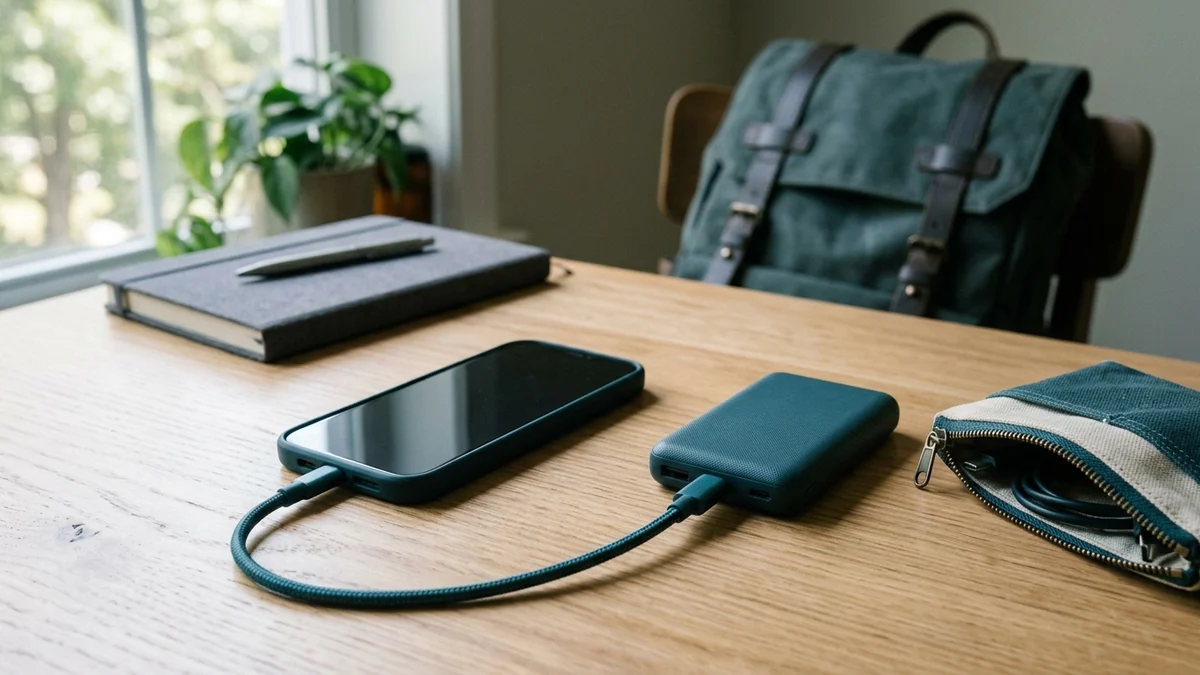
Check your roaming charges first
Saudi Arabia sits outside most UK inclusive roaming allowances. Confirm the rate with your provider before you travel; guidance on roaming charges is published by Ofcom.
eSIMs are usually simplest
An eSIM bought before departure activates on landing and avoids queuing for a physical SIM at the airport. Check your handset supports eSIM before relying on it.
Hotel wifi is not enough on its own
Chasing released permit slots means checking through the day, not only when you are in your room. A data connection genuinely improves your chances of getting the slot you want.
Download before you leave the hotel. Permits, maps, your dua list and hotel details should all exist offline on your phone. Signal inside both mosques at peak times is poor on every network.
Nusuk and your wider itinerary
Permits are only one part of the trip, and they need to fit around everything else.
If you are travelling between the cities, check whether your permit sits comfortably around the transfer, which we cover in our guide to the Makkah to Madinah train. If you are heading to Makkah, remember you will cross the miqat on that journey, so read our ihram rules guide first.
It is also worth checking health requirements on TravelHealthPro and confirming entry requirements on GOV.UK, since neither is handled by Nusuk. For the full cost picture of a trip, see our published Umrah package options.
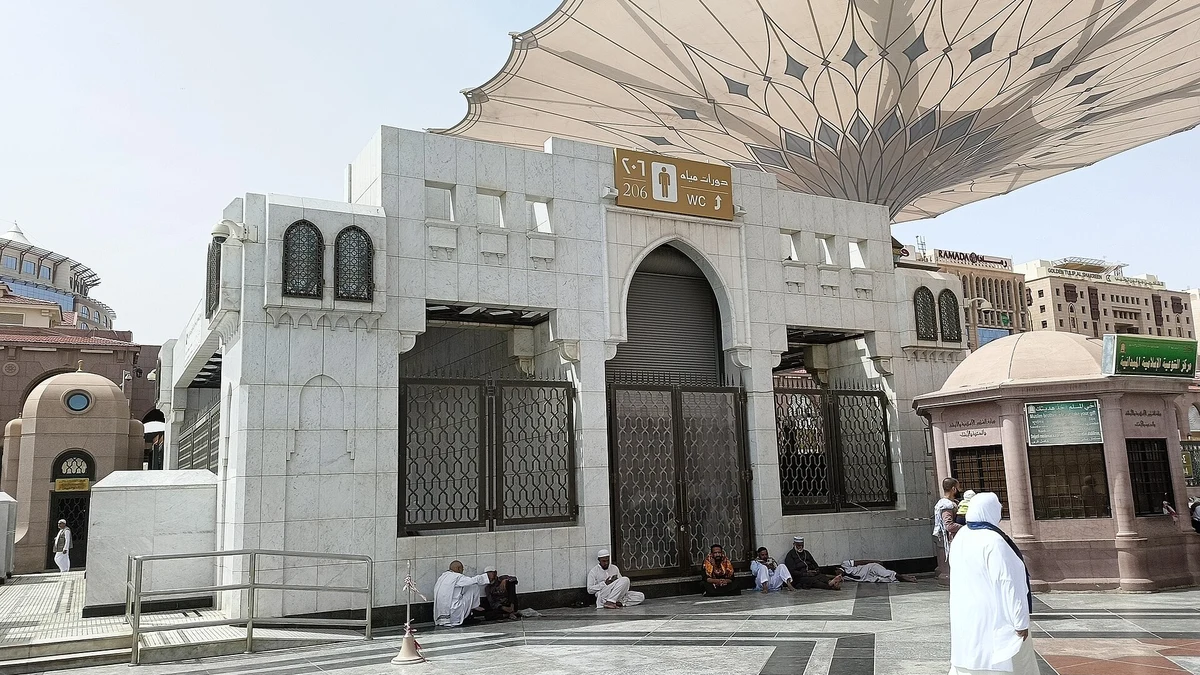
What happens at the gate
Knowing how the permit is actually checked removes most of the anxiety around using it.
The QR scan
Staff check the current entry code and appointment for the named traveller. Open the required screen in advance and increase brightness if necessary. Keep a charged phone and follow the app’s code-release instructions rather than relying on an old screenshot.
Identity checks
You may be asked to confirm your identity, which is why your Nusuk account must match your passport exactly. Carry identification with you as a matter of course.
Arriving outside your slot
Permits are time-bound and the current booking instructions take priority. For Rawdah, Nusuk asks visitors to arrive 30 minutes early. Do not assume a missed appointment can be moved automatically; check the options offered for that booking.
If the scan fails
Screen glare, low brightness and a cracked display are the usual causes. Increase brightness, clean the screen and try again before assuming the permit is invalid.
Turn brightness to maximum before you queue. Scanners struggle with dim screens, particularly in bright daylight at the outer gates. It is the single most common reason a valid permit will not scan first time.
Using Nusuk for families and groups
Group travel is the norm for UK pilgrims, and the app rewards a little coordination.
Use the supported traveller and companion arrangements
Every permit must apply to the right traveller, but that does not mean every companion must always manage a separate account. The official Rawdah service supports companion management. Follow the live eligibility, age and identity instructions for your group.
Book slots together deliberately
Slots are booked per person, so a family can end up spread across different times if you book one at a time without checking. Decide the slot first, then book each person into it.
Keep one person responsible
One organised person can keep everyone’s appointment times and contact details as a backup. Check how each person’s valid entry code must be displayed. Backup screenshots alone may not satisfy the current entry process.
Remember the men and women split. Rawdah timings differ by gender, so a family will usually attend in separate groups. Agree in advance who is accompanying which children for each slot.
Other official services you may encounter
Nusuk is the main platform, but UK pilgrims come across several other names and it helps to know what they are.
Entry permission platforms
Your entry permission for Saudi Arabia is applied for separately from Nusuk. Check which routes currently apply on GOV.UK entry requirements before you begin.
Transport booking
The Haramain high-speed rail between Makkah and Madinah is booked through its own operator, not through Nusuk. Coach transfers are usually arranged by your UK operator as part of the package.
Health and safety information
Vaccination requirements are published through TravelHealthPro, while local laws and customs are covered under GOV.UK safety and security.
Insurance
Travel insurance is arranged independently. General guidance on choosing cover is published under GOV.UK foreign travel insurance.
Keep the map simple.
- Nusuk for permits
- Entry permission separately
- Transport and hotels through your operator or the rail service
- Insurance on its own
Four boxes, and nothing falls between them.
Download the Nusuk setup checklist
Babul Haram Travels produced this free checklist for UK pilgrims. It covers registration, verification, permit booking and what to prepare before you fly.
Save it before you travel so it stays available without mobile data, and keep this article bookmarked for the official links behind each step.
Tips for using Nusuk from the UK
Seven steps in the order you will need them, whether you fly from London, Manchester or Birmingham.
- Check your account before departure. Leave time to resolve errors without assuming a guaranteed verification time.
- Match your passport exactly. Every character, including middle names and hyphens.
- Follow your actual visitor-category prompts. Upload documents or photographs only where the official process requests them.
- Check companion eligibility. Every traveller needs the correct booking, including children where required.
- Check for slots repeatedly. Availability moves through the day as cancellations return.
- Save details and check the live code. A screenshot is a backup, not a guarantee that an expired entry code will work.
- Sort your data connection. Confirm roaming or buy an eSIM before you fly.
Frequently asked questions about Nusuk
What is the Nusuk app?
Nusuk is the official Saudi platform for pilgrims and visitors, used to book Umrah permits, Rawdah visits and other services at the two holy mosques.
Is the Nusuk app free?
Yes. The app and its permits are free of charge. Any site charging you for an Umrah or Rawdah permit is not an official channel.
Do I need Nusuk to perform Umrah?
Umrah permits are booked through Nusuk, so in practice you will need it or an operator booking on your behalf. Having a verified account on your own phone is strongly advisable either way.
Do you need a Saudi SIM for Nusuk?
No. You need a working internet connection, which can be UK roaming, hotel wifi or an eSIM. A Saudi mobile number is not required for a visiting pilgrim to use the app.
What is Ateeq and is it the same as Nusuk?
This guide has not verified an official relationship between that name and the visitor permit service. Use links from the official Nusuk website and ask its support team before sharing personal details with an unfamiliar service.
How long does Nusuk verification take?
There is no universal processing time established by the sources checked here. It depends on the service and your account details. Start the required steps early and use official support if an error prevents progress.
Why are there no Nusuk slots available?
Slots release on a rolling basis rather than all at once, and cancellations return availability throughout the day. Check repeatedly across several days rather than concluding from one attempt.
Does Nusuk book my flights or hotel?
A permit booking does not itself reserve flights or a hotel. The wider Nusuk ecosystem also includes pilgrimage journeys and package services, so check the exact product you are using. Your travel confirmations and permit are separate records.
Set it up at home, not at the airport
Nusuk works best when the permit, identity details and travel plan agree. Checking them at home gives you time to resolve an error before it affects an appointment. It is not a guaranteed five-minute process for every visitor.
Use this Nusuk app guide to prepare questions, then follow the official instructions shown for your booking. Check again before travel and before the appointment because times, access arrangements and entry codes can change. Keep your itinerary flexible enough to respond without rushing.
The reward described for an accepted Umrah in Sahih al-Bukhari 1773 is not diminished by good preparation. If anything, arriving with the administration already settled is what frees you to receive it.
Prepare early, check the current entry instructions, and spend your first day in Makkah worshipping rather than filling in forms. If you would like your permits, transfers and hotel nights planned around one another, our team can put a written itinerary together before you book.
The journey itself is described in the Quran as a call answered by people arriving from every distant path, in Quran 22:27. An app is simply how that call is organised in a year when millions answer it at once. Browse current durations on our Umrah packages page or ask Babul Haram Travels for a written quote.
Editorial review: 19 September 2026. Travel rules and service availability can change; use the linked official sources for your dates. For a personal religious ruling, consult a qualified scholar.
Photo sources: Location photographs are credited under each image and are not representations of our customers, a particular hotel booking or current access routes. Featured photo: Konevi, CC0. Resized and cropped for this guide.
Photographs retain their linked licences.